
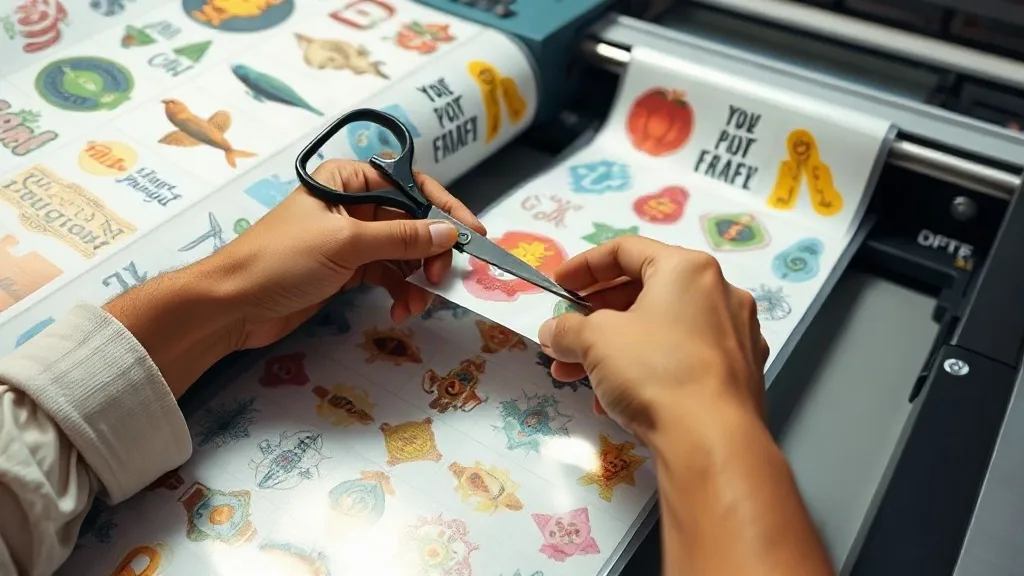
If you run a small apparel business or a print-on-demand shop, you know the struggle: small orders can eat into your profits if you don't manage your materials wisely. Film waste, ink costs, and time spent on setup can quickly add up. That's where DTF Gangsheet printing comes in. By grouping multiple designs onto a single sheet, you can maximize your film usage and streamline your workflow. But it's not just about throwing designs together; it's about strategic layout and smart planning. In this guide, we'll dive deep into how to master small batch printing with DTF gangsheets, so you can keep your costs down and your quality high.
Why Small Batch Printing Demands a Different Approach
Small batch printing, typically orders of 1 to 50 pieces, is a different beast compared to mass production. You don't have the luxury of large volume discounts on materials, and every mistake costs a higher percentage of your profit. Traditional screen printing becomes impractical due to setup costs, and even DTF printing can be inefficient if you're printing one design at a time. That's why gangsheets are a game-changer. By combining multiple designs onto one sheet, you spread the fixed costs (film, ink, and time) across several items, making small batches viable and profitable.
The Hidden Costs of Small Orders
Let's break down where your money goes in a typical small DTF print job. You have the film cost, which is often sold per sheet or per meter. Then there's the ink, both white and color. Add in the powder (adhesive) and the time spent preparing, printing, and curing. If you print just one small design on a full sheet, you're wasting a significant portion of that sheet. Multiply that by several orders, and you're literally throwing money away. A well-planned gangsheet ensures that every square inch of film is used, reducing waste and increasing your bottom line.
Planning Your Gangsheet Layout for Small Batches
Creating an efficient gangsheet for small batches requires a bit of forethought. You need to consider the sizes and quantities of each design, the film dimensions, and the curing process. Here's a step-by-step approach to planning your layout.
1. Gather Your Orders and Prioritize
Start by collecting all the small orders you have pending. Group them by similar ink colors or design types to minimize color changes and cleaning between prints. If you have orders with deadlines, prioritize those first. Remember, the goal is to fill the sheet as much as possible without compromising the quality of any single transfer.
2. Choose the Right Film Size
DTF film comes in various widths, commonly 13, 17, 22, and 24 inches. For small batches, a 13-inch or 17-inch roll is often sufficient. The length of your sheet can be customized based on your printer's capabilities. When planning, consider the maximum print area of your printer and the size of your heat press. You don't want to create a sheet that's too large to handle comfortably.
3. Use Nesting Software or Templates
Many RIP software programs offer nesting features that automatically arrange designs to minimize wasted space. If you don't have that, create a template in your design software with the exact dimensions of your film. Then, manually place your designs, rotating them if necessary to fit more. Leave a small gap (about 0.25 inches) between designs to allow for cutting and to prevent ink bleeding.
4. Consider the Cutting Process
How will you cut out the designs? If you're using a vinyl cutter or scissors, leave enough space around each design for clean cuts. If you're printing on a roll with a cutter, ensure your layout includes registration marks or cut lines. Planning for the cutting step will save you time and reduce errors.
Maximizing Film Usage: Tips and Tricks
Every inch of film counts when you're dealing with small batches. Here are some practical tips to get the most out of your gangsheet.
Combine Different Sizes
Don't limit yourself to same-size designs. Mix small logos with larger prints to fill gaps. For example, if you have a large back design and several small chest logos, arrange them so the small ones fit around the large one. This is where manual layout can outperform automated nesting.
Rotate Designs When Possible
Sometimes rotating a design 90 degrees can significantly reduce wasted space, especially if you have long, narrow elements. Just ensure that the rotation doesn't affect the grain of the film or the final print quality. Most designs can be rotated without issues.
Use Scrap Film for Test Prints
Before committing to a full gangsheet, do a test print on a small scrap piece of film to check colors and alignment. This prevents costly mistakes on a large sheet. Keep a bin of scrap film for this purpose.
Group by Color
If you're printing multiple designs with similar color palettes, group them together on the sheet. This reduces ink changes and cleaning cycles, saving time and ink. It also makes the printing process more efficient.
Common Mistakes to Avoid
Even experienced printers can fall into traps when creating gangsheets for small batches. Watch out for these pitfalls.
Overcrowding the Sheet
While you want to maximize usage, overcrowding can lead to cutting errors and ink smudging. Leave adequate space between designs. Also, consider the powder application: if designs are too close, powder can contaminate the adhesive areas of adjacent designs.
Ignoring Grain Direction
DTF film has a grain, and printing against it can cause uneven ink absorption or curling. Always check the manufacturer's recommendations and align your designs accordingly. Usually, the grain runs along the length of the roll.
Forgetting About the Press
Your heat press has a maximum platen size. If your gangsheet is larger than the platen, you'll need to cut it down before pressing. Plan your layout so that each design can be pressed individually without interfering with others. Alternatively, use a larger press if available.
Streamlining Your Workflow with Gangsheets
Beyond material savings, gangsheets can transform your production workflow. By batching similar jobs, you reduce setup time and can produce more in less time. For instance, if you have multiple orders for the same design in different sizes, you can print them all on one sheet and then cut them apart. This is far more efficient than printing each size separately.
Integrating with Your Order Management
Use your order management system to identify orders that can be combined. Many e-commerce platforms allow you to export order data; you can then sort by design and size to create batches. This systematic approach ensures you never miss an opportunity to consolidate.
Investing in a Roll Printer
If you're serious about small batch printing, consider a DTF printer that uses roll film rather than sheets. Roll printers allow you to print continuous gangsheets of any length, giving you ultimate flexibility. You can print a long sheet with multiple designs and then cut them apart as needed. This reduces film waste even further because you're not limited by pre-cut sheet sizes.
Frequently Asked Questions
How do I calculate the right film size for my gangsheet?
Measure the total area of all designs you plan to include, then add a 10-15% buffer for spacing and cutting. Choose a film width that accommodates the widest design, and a length that fits the total height. Most RIP software can help you estimate.
Can I mix different fabric types on one gangsheet?
Yes, DTF transfers work on a wide range of fabrics, including cotton, polyester, and blends. However, the pressing parameters (temperature, pressure, time) may vary. It's best to group designs intended for similar fabrics to streamline pressing.
What's the best way to store unused gangsheets?
Store them in a cool, dry place away from direct sunlight. Keep them flat or rolled loosely to prevent creasing. Avoid stacking heavy objects on top. Proper storage ensures the adhesive remains effective for months.
How can I reduce ink costs when printing gangsheets?
Group designs with similar color profiles to minimize ink changes. Use a RIP software that optimizes ink usage, and consider printing at a slightly lower resolution for designs that don't require fine detail. Also, regularly maintain your printer to prevent clogs and waste.
Is it worth using a gangsheet for just a few small orders?
Absolutely. Even with two or three small orders, combining them on one sheet reduces film waste and saves time. The key is to plan ahead and batch orders whenever possible.